How WhatsApp Reduces Cart Abandonment: A Store Owner's Playbook
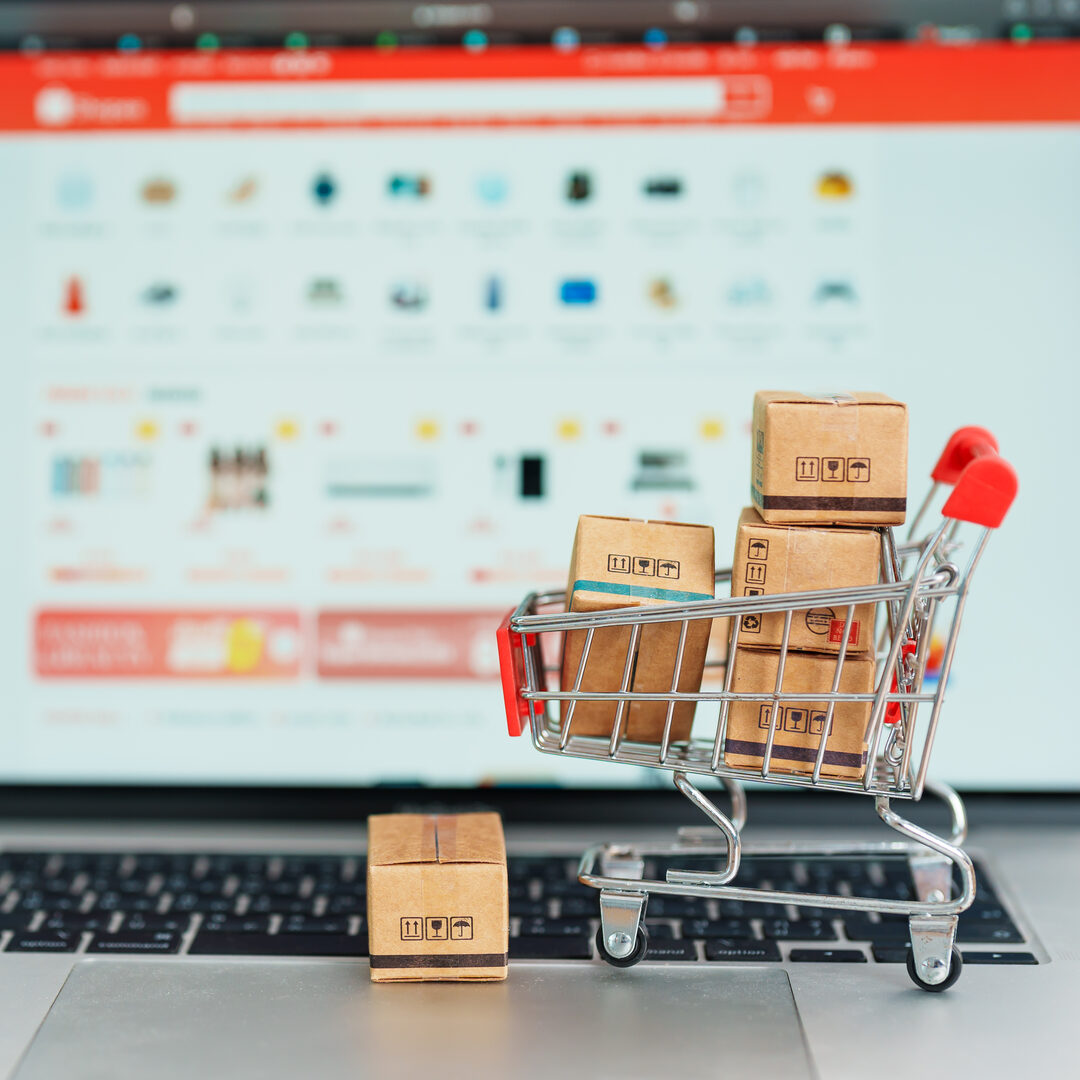
Every online store owner knows the frustration. A customer browses your products, adds items to their cart, maybe even starts the checkout process, and then vanishes. No order. No payment. No explanation. Just an abandoned cart sitting in your WooCommerce dashboard like an unanswered question.
Cart abandonment is not a minor annoyance. It is one of the single biggest revenue leaks in e-commerce. And while most stores rely on email to win those customers back, there is a channel that dramatically outperforms email for cart recovery: WhatsApp.
This playbook shows you exactly how to use WhatsApp to fight cart abandonment, recover lost sales, and build a system that prevents abandonment from happening in the first place.
The Cart Abandonment Problem
Cart abandonment is universal. It affects every online store regardless of size, industry, or geography. But the scale of the problem is what makes it so critical to address.
Key stat: According to the Baymard Institute, the average documented online shopping cart abandonment rate is 70.19%, based on 49 different studies. That means roughly 7 out of every 10 shoppers who add something to their cart will leave without buying.
To put that in revenue terms: if your store generates $10,000 per month in completed orders, you are potentially leaving $23,000 or more on the table from abandoned carts. Even recovering a fraction of those lost orders can transform your bottom line.
The traditional response to cart abandonment is email recovery sequences. Send an email an hour after abandonment, another the next day, maybe a third with a discount code. This approach works, but the results are limited by email’s inherent weaknesses: low open rates, spam folder routing, and the fact that most people treat their inbox as a low-priority channel.
WhatsApp changes the equation entirely. With open rates above 95% and response rates 3-5x higher than email, WhatsApp cart recovery messages actually get seen and acted on.
Why Customers Abandon Carts
Before you can fix cart abandonment, you need to understand what causes it. Not all abandonment is the same, and different causes require different solutions.
High or Unexpected Costs
The number one reason for cart abandonment across every study is unexpected costs at checkout. Shipping fees, taxes, and handling charges that were not visible earlier in the browsing experience cause sticker shock. According to Statista, 48% of US online shoppers have abandoned a cart because extra costs were too high.
WhatsApp solution: Be transparent about total costs in the WhatsApp order message. When a customer orders via WhatsApp, your agent can confirm the all-in price before the customer commits, eliminating surprise fees.
Complicated Checkout Process
Long forms, mandatory account creation, and confusing payment flows drive customers away. Every additional step in your checkout is a potential exit point.
WhatsApp solution: WhatsApp ordering removes the checkout process entirely. The customer taps a button, sends a message, and the order is placed. No forms. No account creation. No multi-page checkout.
Lack of Trust
First-time visitors may not trust your store enough to enter payment information. This is especially common for smaller or newer stores without established brand recognition.
WhatsApp solution: A real-time WhatsApp conversation with a human builds trust instantly. The customer can ask questions, see that a real person is handling their order, and feel confident about the transaction.
Just Browsing
Some customers add items to their cart as a way of bookmarking products they are interested in. They were never ready to buy in that session.
WhatsApp solution: A gentle follow-up message the next day can convert a browser into a buyer. “Hi, I noticed you were looking at our winter jacket collection yesterday. Would you like me to help you choose the right size?” This feels helpful, not pushy.
Technical Issues
Payment failures, slow page loads, crashes, and errors during checkout account for a meaningful percentage of abandonment. The customer wanted to buy but could not.
WhatsApp solution: WhatsApp bypasses your checkout infrastructure entirely. Even if your payment gateway is down, a customer can place an order via WhatsApp and pay through an alternative method you arrange in the chat.
How WhatsApp Fights Abandonment
WhatsApp attacks cart abandonment on two fronts: prevention and recovery.
Prevention: Removing Friction Before It Happens
The most effective way to reduce cart abandonment is to eliminate the checkout friction that causes it. WhatsApp ordering does this by replacing the traditional checkout flow with a conversational one.
When your WooCommerce store has a “Order via WhatsApp” button on the cart page, customers who might have abandoned at checkout have an alternative path. Instead of facing a form-heavy checkout, they tap a button and land in a WhatsApp chat with their cart details pre-filled.
This single change can reduce your abandonment rate significantly because it removes the two biggest abandonment triggers: checkout complexity and unexpected costs (your agent confirms the final price in the chat before the customer pays).
For a complete setup guide, see our WooCommerce WhatsApp ordering guide.
Recovery: Winning Back Customers Who Left
For customers who do abandon their carts, WhatsApp recovery messages are dramatically more effective than email.
Here is why:
- Open rates: WhatsApp messages have 95%+ open rates vs. 20% for email
- Response speed: Most WhatsApp messages are read within 3 minutes vs. hours or days for email
- Conversational format: A WhatsApp recovery message can start a dialogue, not just deliver a one-way reminder
- Rich media: You can include product images, making the reminder more compelling
- Easy action: The customer can reply “yes” to reorder, rather than clicking through to a website and re-adding items
The combination of higher visibility and lower response friction makes WhatsApp the most effective cart recovery channel available to WooCommerce stores today.
Setting Up WhatsApp Cart Recovery
Implementing WhatsApp cart recovery for your WooCommerce store involves a few key components.
Step 1: Capture WhatsApp Contact Information
You cannot send a recovery message if you do not have the customer’s WhatsApp number. There are several ways to capture this:
- Add a phone number field to your cart or checkout page with a checkbox: “Send me order updates on WhatsApp”
- Use a WhatsApp opt-in popup that offers a small incentive (discount, free shipping) in exchange for their number
- Collect numbers during previous WhatsApp interactions — if a customer has ordered via WhatsApp before, you already have their number
Always get explicit consent before sending WhatsApp messages. This is not just good practice; it is required by WhatsApp’s business policies and privacy regulations like GDPR.
Step 2: Detect Cart Abandonment
Your WooCommerce store needs to identify when a cart has been abandoned. A cart is typically considered abandoned when:
- A customer has added items to their cart
- They have provided contact information (including a WhatsApp number)
- They have not completed the purchase within a defined time window (usually 1-3 hours)
WooCommerce plugins and CRM tools can automate this detection and trigger recovery workflows.
Step 3: Configure Recovery Message Flows
Set up a sequence of WhatsApp messages that fire at defined intervals after cart abandonment. A typical sequence looks like this:
- First message (1-2 hours after abandonment): A friendly reminder with their cart contents
- Second message (24 hours later): Address a common objection or offer help
- Third message (48-72 hours later): A final nudge, possibly with a small incentive
Each message should be short, personal, and include a clear way to complete the purchase.
Step 4: Connect to Your Order System
When a customer responds to a recovery message and wants to complete their order, the process should be seamless. Ideally, your agent can pull up their original cart contents and confirm the order in the same WhatsApp thread.
WhatsApp cart recovery is one of the highest-ROI tactics available to WooCommerce stores. QuickOrder for WhatsApp makes it easy to add WhatsApp ordering and reduce checkout friction. See the features that help you recover more sales.
Message Templates That Convert
The words you use in your cart recovery messages matter enormously. Here are proven templates for each stage of the recovery sequence, along with why they work.
First Message: The Friendly Reminder
Hi [Name]! 👋

I noticed you left some items in your cart at [Store Name]:

🛒 [Product 1] - [Price]
🛒 [Product 2] - [Price]

Total: [Amount]

Would you like to complete your order? I can help with any questions you might have!
Why it works: It is personal, specific (includes their actual cart contents), and opens the door for conversation rather than just pushing a “buy now” link.
Second Message: Address the Objection
Hi [Name], just following up!

I wanted to make sure you didn't run into any issues with your order. If you had questions about:

📦 Shipping costs or delivery times
📏 Sizing or product details
💳 Payment options

I'm here to help! Just reply and I'll get you sorted.
Why it works: It acknowledges that the customer might have left for a reason and offers to solve whatever that reason was. This converts customers who abandoned due to unanswered questions or concerns.
Third Message: The Gentle Nudge
Hi [Name]! Last reminder about the items you were interested in.

Your [Product 1] is still available, but stock is limited.

If you'd still like to order, just say the word and I'll take care of everything. If not, no worries at all!
Why it works: It creates mild urgency without being aggressive, and the “no worries” ending reduces pressure. Customers who were on the fence often convert at this stage because it feels like a final, respectful ask.
What Not to Do
- Do not use ALL CAPS or excessive punctuation. “YOUR CART IS WAITING!!!” feels like spam.
- Do not send more than 3 recovery messages. After that, you are annoying the customer.
- Do not lead with discounts. Train customers to expect discounts and they will always abandon carts first. Use discounts only as a last resort in the third message, and only for high-value carts.
- Do not send generic messages. “You left items in your cart” without specifying which items is lazy and ineffective.
Timing Your Recovery Messages
Timing is one of the most important factors in cart recovery success. Send too early and the customer might still be shopping. Send too late and they have moved on.
Based on data across thousands of e-commerce stores, here are the optimal windows:
First Message: 1-2 Hours After Abandonment
This catches customers while the intent is still fresh. They were interested enough to add items to their cart, and one to two hours later they still remember what they were looking at. Response rates for this first message are typically the highest in the sequence, often between 15-25%.
Second Message: 24 Hours Later
A full day gives the customer space while keeping your store in their mind. This message works particularly well when it addresses objections or offers help rather than simply repeating the reminder. Response rates for the second message typically range from 8-15%.
Third Message: 48-72 Hours Later
This is your last shot. After 72 hours, the likelihood of recovering the cart drops sharply. This message should feel like a final, friendly outreach. If you are going to include an incentive (free shipping, a small discount), this is the message for it. Response rates: 5-10%.
Day and Time Considerations
- Weekday mornings (9-11 AM) tend to get the best response rates
- Avoid late nights and very early mornings — messages that arrive at 3 AM feel intrusive
- Match the customer’s timezone if you have that data
- Avoid Fridays and weekends for B2B stores; these are fine for B2C
Results You Can Expect
WhatsApp cart recovery does not produce miracles overnight, but the results are consistently strong when implemented well. Here is what realistic performance looks like:
Recovery Rates
- Email cart recovery typically recovers 3-5% of abandoned carts
- WhatsApp cart recovery typically recovers 15-25% of abandoned carts where you have the customer’s WhatsApp number
That 3-5x improvement over email is consistent across industries and regions. The gap is even wider in markets where WhatsApp is the primary communication channel.
Revenue Impact
For a WooCommerce store with:
- 1,000 abandoned carts per month
- An average cart value of $75
- WhatsApp numbers for 30% of those customers (300 contacts)
- A 20% recovery rate
That is 60 recovered orders per month, worth $4,500. Over a year, that is $54,000 in revenue that would have otherwise been lost. And as you collect more WhatsApp opt-ins, the numbers grow.
Customer Lifetime Value
Customers recovered via WhatsApp tend to have higher lifetime values than customers recovered via email. The personal interaction during recovery builds a relationship that leads to repeat purchases. Stores using WhatsApp recovery report that recovered customers are 30-40% more likely to make a second purchase within 90 days compared to customers recovered through email.
For broader strategies to increase your WooCommerce revenue, our guide on increasing sales with WhatsApp covers additional tactics beyond cart recovery.
Beyond Cart Recovery
Cart recovery is the most obvious application of WhatsApp for reducing lost revenue, but it is not the only one. Once you have a WhatsApp relationship with your customers, you can use the channel to prevent revenue loss in several other ways.
Proactive Stock Alerts
If a customer viewed a product that was out of stock, send them a WhatsApp message when it is back. This recovers sales that would have been lost to inventory gaps.
Price Drop Notifications
If a product a customer browsed or carted goes on sale, let them know. A simple “The running shoes you were looking at are now 20% off this week” can drive immediate conversions.
Order Status Updates
Customers who do not know where their order is often initiate chargebacks or leave negative reviews. Proactive WhatsApp shipping updates prevent both, protecting revenue and reputation. For a deeper look at notification strategies, see our guide on WhatsApp order notifications for WooCommerce.
Re-Engagement Campaigns
For customers who have not purchased in 60-90 days, a personalized WhatsApp message can bring them back. Unlike email re-engagement campaigns that get 2-3% open rates, WhatsApp re-engagement messages get opened and read at rates above 90%.
Feedback Collection
Ask customers about their experience after delivery. Positive responses can be turned into testimonials (with permission). Negative responses give you a chance to fix issues before they become public reviews.
Building Your Cart Recovery System
Here is a practical action plan for implementing WhatsApp cart recovery on your WooCommerce store:
Week 1:
- Set up your WhatsApp Business account if you do not have one
- Install QuickOrder for WhatsApp on your WooCommerce store
- Add the WhatsApp order button to your cart and product pages
- Start collecting WhatsApp opt-ins from customers
Week 2:
- Write your three recovery message templates
- Set up your recovery message timing (1-2 hours, 24 hours, 48-72 hours)
- Train your team on handling recovery conversations
- Test the complete flow with internal orders
Week 3:
- Go live with cart recovery messages
- Monitor response rates and adjust messaging
- Track recovered revenue daily
Week 4:
- Review your first month of data
- Optimize message timing based on actual response patterns
- A/B test different message approaches
- Expand to additional WhatsApp touchpoints (stock alerts, follow-ups)
The pricing plans for QuickOrder include everything you need to get started with WhatsApp ordering and cart recovery on your WooCommerce store.
Cart abandonment will never drop to zero. Some customers are genuinely just browsing, and that is fine. But the 70% average abandonment rate that most stores accept as inevitable is not a fixed number. With WhatsApp, you can cut that rate meaningfully and recover a significant portion of the sales that do slip through. The stores that act on this now will have a compounding advantage over those that continue relying on email alone.
Cart recovery is just one piece of a broader WhatsApp sales strategy. For more tactics, explore The WhatsApp Sales Playbook for Online Stores. And for a full overview of how WhatsApp fits into modern e-commerce, see The Ultimate Guide to WhatsApp Commerce in 2026.
Start with the basics. Measure everything. Let the results tell you how far to take it.
Related Articles

7 Proven Ways WhatsApp Increases WooCommerce Sales
Discover 7 proven strategies to increase your WooCommerce sales using WhatsApp. From cart recovery to personalized recommendations, learn what works in 2026.

The WhatsApp Sales Playbook for Online Stores
A complete sales playbook for using WhatsApp to drive revenue in your online store. Covers lead generation, conversion tactics, cart recovery, upselling, and retention.

Using WhatsApp as a Customer Support Channel for WooCommerce
Transform your WooCommerce customer support with WhatsApp. Learn setup, best practices, and strategies for delivering fast, personal support that builds loyalty.